Secure sending
From file to recipient, with no attachment
A MailX send is an encrypted, time-limited link opened with a code. Here is what happens, and what you can set.
The path of a send
- 1
Upload and encryption
Files are encrypted (AES-256-GCM) with a key specific to the send, itself protected by your organisation’s key.
- 2
Scanning
If the antivirus is enabled, each file is scanned; an infected file is never delivered.
- 3
Notice to the recipient
They receive an e-mail with the link. Depending on the policy, the notice can leave from the sender’s own mailbox.
- 4
Verification
They enter the one-time code received by e-mail or SMS: 10 minutes, 3 attempts, a new code every 60 seconds.
- 5
Download
They download their files, each within the download limit set.
- 6
Tracking and receipt
You see opens and downloads, and you can produce a PDF delivery receipt.
What you set on each send
The administrator sets maximums; the sender can lower them, never exceed them.
Expiry
From 1 day up to the organisation’s maximum (up to 365 days). The lifetime counts from the send, not from the draft.
Downloads
A maximum number per file, at least 1. No “unlimited”: the ceiling is always known.
Verification code
By e-mail, or by SMS when the licence and the SMS service allow it.
Size and types
Up to 5 GB per file by default (16 GB at most), with a list of blocked types set by the organisation.
What the recipient sees
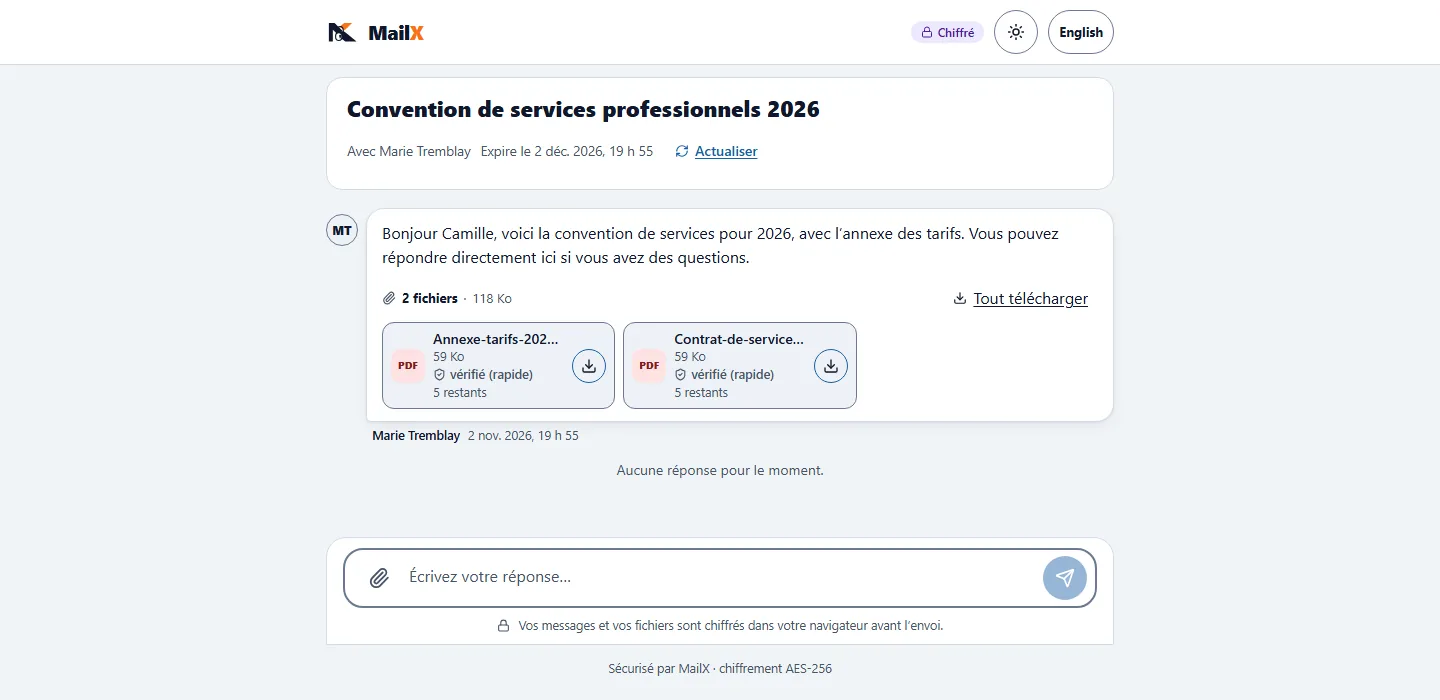
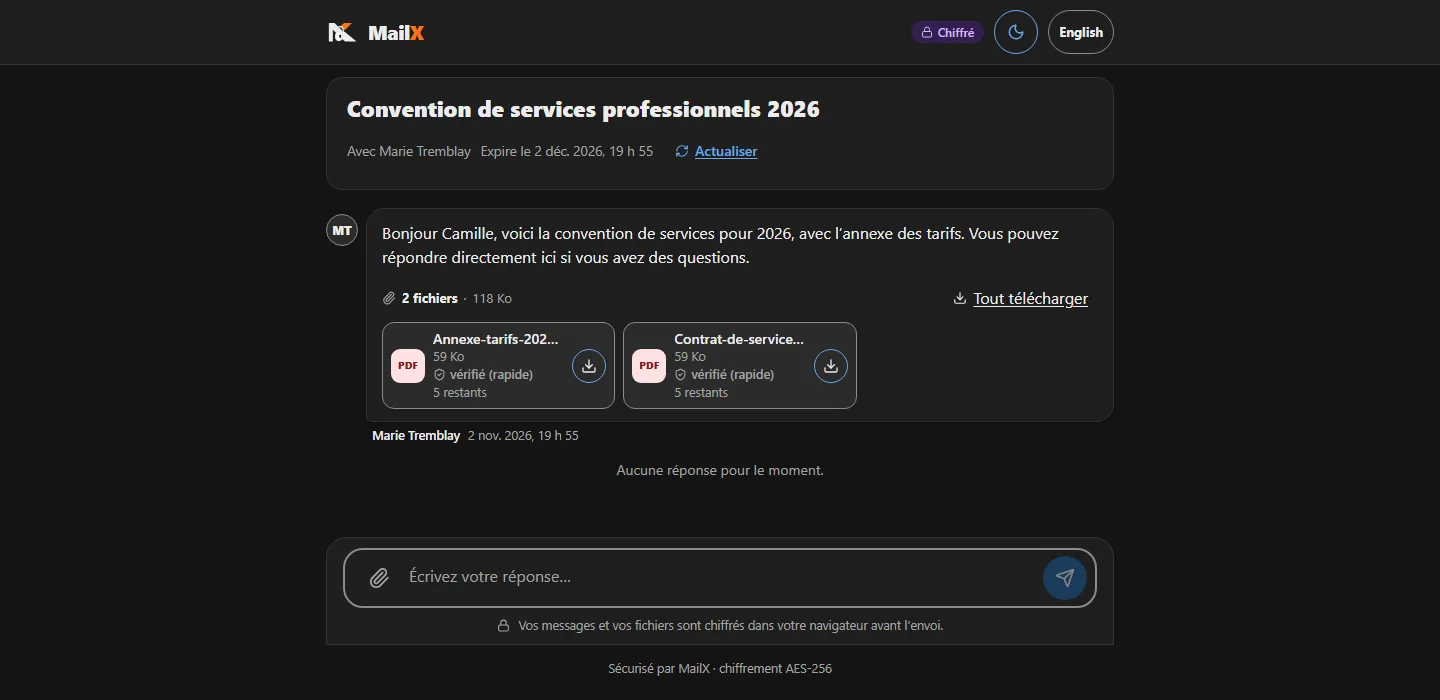
A clear page, with no account to create: the scan status of each file, how many downloads remain, and, if you allowed it, the ability to reply. The page can carry your organisation’s logo and colour.
After the send, you stay in control
Revoke
The link stops working immediately, even if the recipient has already opened it.
Extend
A recipient needs more time? Extend the send without recreating it.
Delivery receipt (PDF)
A document to keep that attests the send and its delivery.
History
Active, downloaded, expired, revoked, draft and archived folders; every action is recorded in the audit log.
Good to know
- The optional end-to-end mode keeps the key in the link and in the browser; some server-side functions (antivirus, API, SFTP) are then not offered.
- The SMS code depends on the licence and on a configured SMS provider; the e-mail code is always available.
Let’s walk through a send, end to end
We go through it with you, in the context of your organisation.